What we built
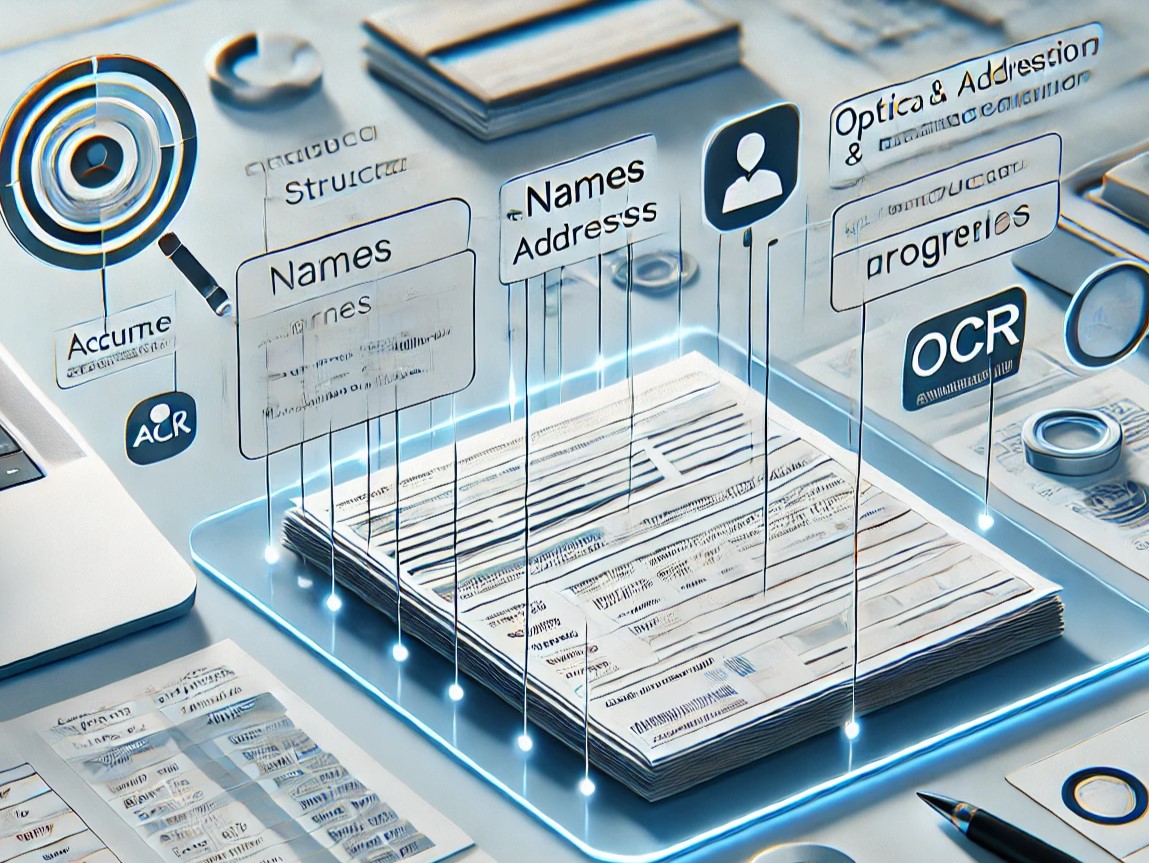
The objective was to build an AI model for document processing inside the Power Platform. Power Automate triggers when a new invoice file lands in the input folder; AI Builder extracts structured fields (vendor, amount, date, line items); the data is validated and pushed to MySQL where it feeds Power BI dashboards used by finance.
What used to take an analyst several minutes per invoice now happens in seconds, with structured output ready for downstream BI.
How the flow works
- Trigger: Power Automate detects a new invoice (PDF or image) in a SharePoint folder.
- OCR extraction: AI Builder parses the document and extracts key fields: vendor, invoice number, date, amounts, line items.
- Validation: Compose actions normalize the data (date formats, currency, vendor matching against MySQL master).
- Persistence: Validated rows are inserted into MySQL.
- Reporting: Power BI refreshes and the finance dashboard reflects the new invoice automatically.
Behind the OCR
The custom AI Builder model was trained iteratively on a representative sample of invoices, using:
- Multinomial Logistic Regression / Softmax Regression (baseline)
- Support Vector Machine
- Random Forest Classifier
- Ensemble Classifier (final pick)
Outcomes
- −95% processing time compared to manual entry.
- Fewer human errors thanks to validation rules.
- Real-time visibility for finance teams via Power BI.
Want to see another Power Platform project?
See DAX Query Automation